Learn the 3×3 Cube. Step by step, in your own hands.
Replace long videos and dry formula sheets with 20–60 second chess-puzzle-style exercises on an interactive 3D cube. Need help with a real cube? Scan its 6 faces or enter colors by hand for a guided solve.
20–60 Second Micro-Puzzles. No Rote Memorization.
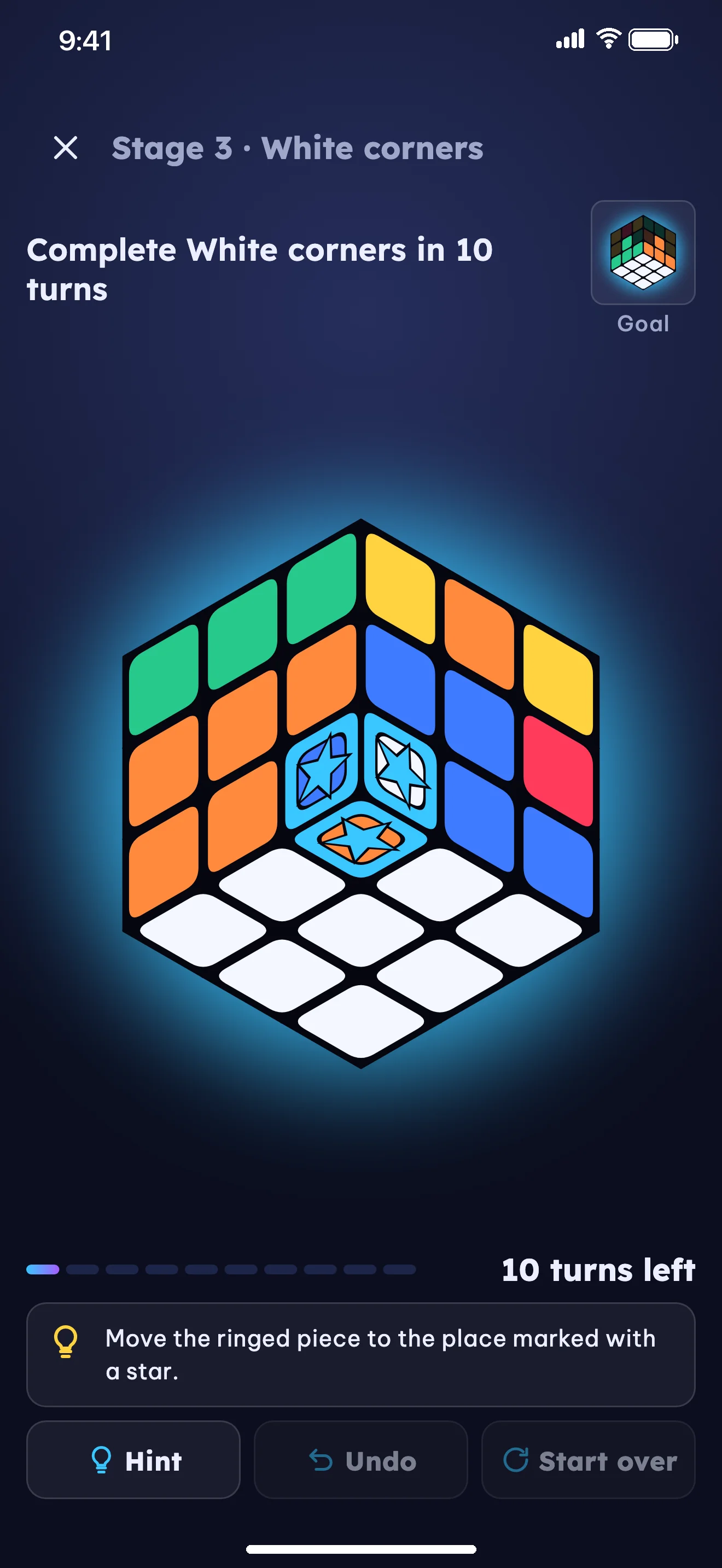
Each exercise starts mid-solve with a clear goal: 'Bring this piece home within the turn limit'. Whenever you get stuck, 3 hint levels guide you step by step.
Gentle Conceptual Nudge
Reminds you what pattern or piece relationship to look for so you can figure out the move yourself.
Highlight Target Piece on 3D Cube
The interactive 3D cube rotates to show and highlight the exact edge or corner piece you need to handle next.
Exact Next-Turn 3D Arrow
Draws a 3D directional arrow right across the cube face, paired with plain-language words for kids or standard R U F notation for 10+.
From Basic Introduction to Solving Your Real Cube
The Daisy
Surround the yellow center with four white edge pieces on the top face.
White Cross
Match each white edge with its side center and rotate it down to the base.
White Corners
Slot all four white corners home to complete the entire first layer.
Middle Layer
Insert the four non-yellow edge pieces into their middle-layer slots.
Yellow Cross
Form a yellow cross on the top face from a dot, L-shape, or line.
Yellow Face
Twist the top corners so all nine stickers on the upper face turn yellow.
Position Yellow Corners
Permute the four top corners so each sits between its matching side faces.
Position Yellow Edges
Cycle the final top edges into place to complete the 3×3 cube!
Warm & Story-Driven for Kids. Clean & Logical for Adults.
When you first open the app, pick your age group (6–9, 10–14, 15+) and starting skill. The visual theme and explanations adapt immediately and can be changed anytime in Settings.
“Let’s bring our White–Red friend home on Island 2 in 2 turns!”
- No R, U, F symbols: guides with plain words ('Turn the right side up') and 3D arrows.
- Starts each stage with gentle 1–2 turn puzzles and awards 1–3 stars (3 stars when solved without hints).
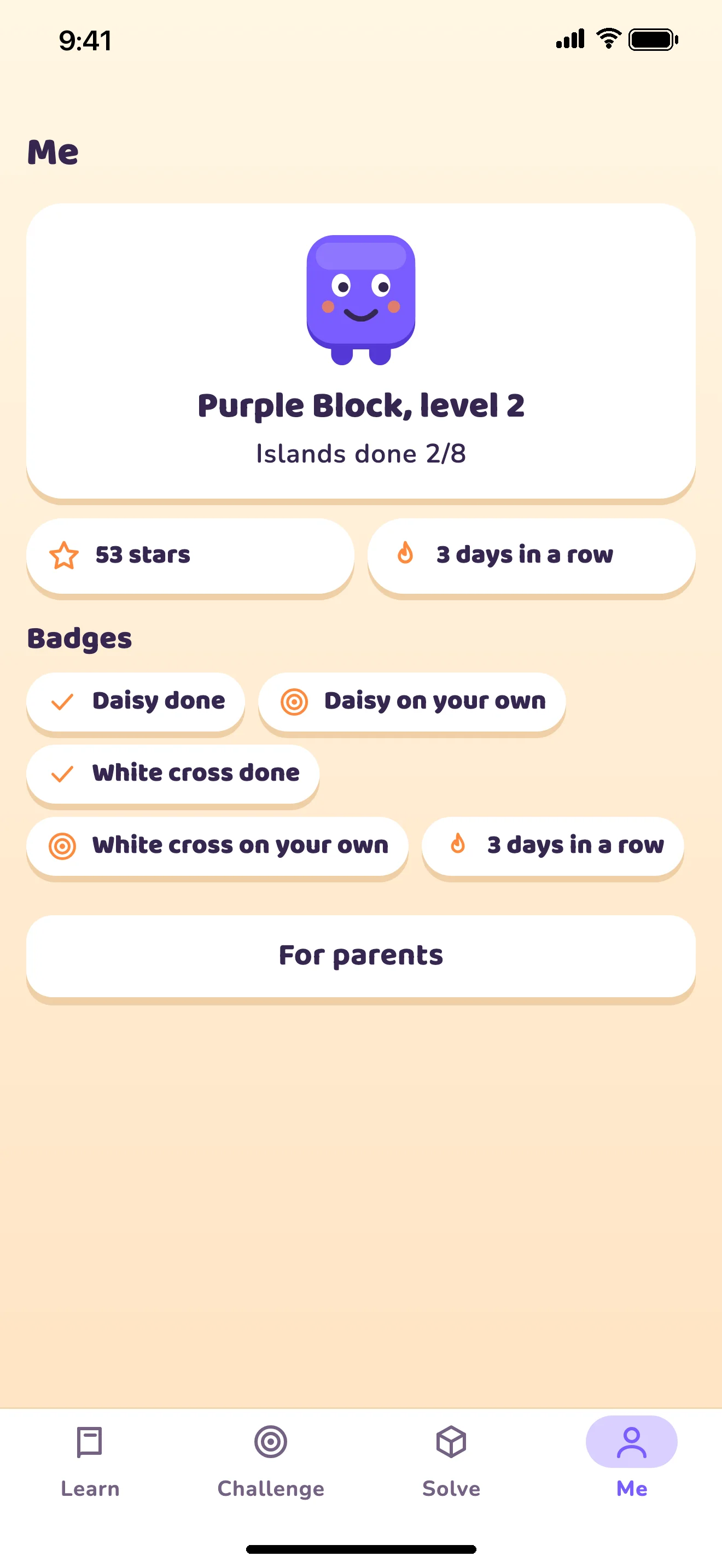
- Parents can check progress and set a daily time limit (10–60 min); when time is up, the mascot goes to sleep.
Insert Red–Green edge into the right slot while preserving the white base.
- Ages 10–14: Friendly explanations of why moves work while introducing standard R, U, F notation step by step.
- Ages 15+ & Adult Beginners: No mascot or kid storyline. Concise logic; consecutive hint-free solves advance to harder exercises faster.
- Two solve modes after scanning: Pick Quick Solve (a compact solution) or Learn by Stage (guided through the 8 learning stages).
Scan Your Real Cube Indoors. Detects Invalid States & Suggests Stickers to Check.
Uses the 6 center tiles of your scan as color references for indoor lighting. If the scanned state is invalid, the app suggests suspect stickers so you can tap to fix them or enter colors by hand.
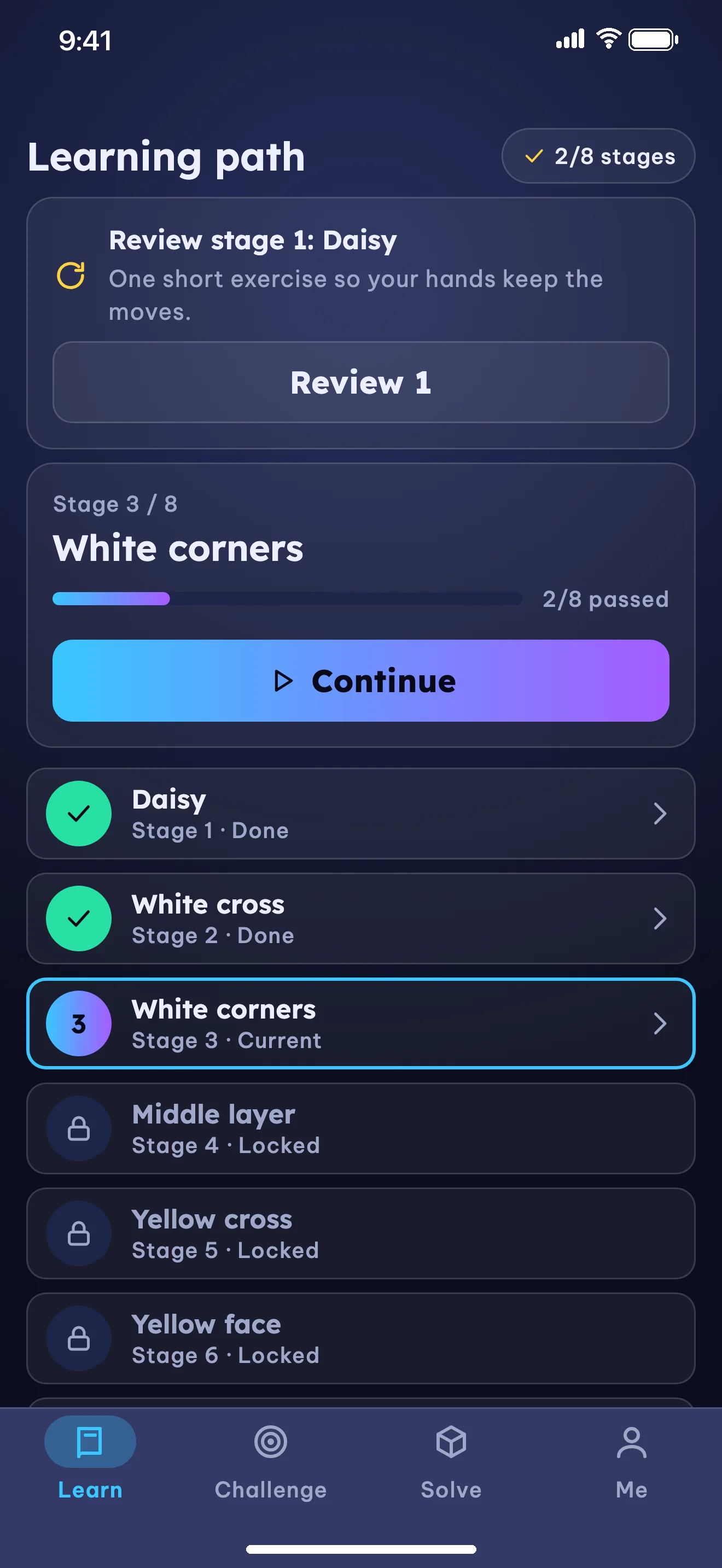
Clear 8 short exercises per stage to unlock the next one (or unlock all if experienced).
Short mid-solve exercises with a clear turn limit and 3 graduated hint levels.
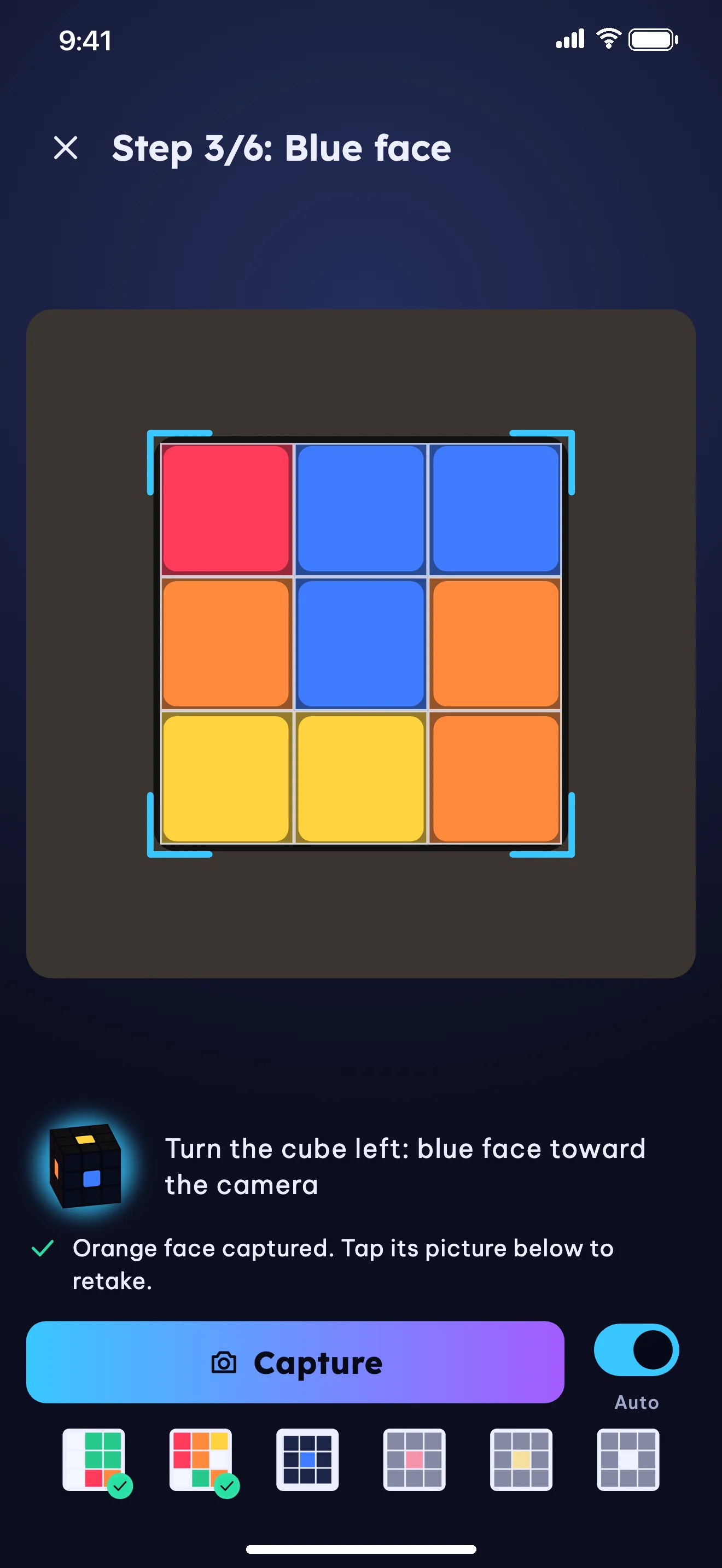
Scan all 6 faces with the camera on your device or switch to manual color entry.
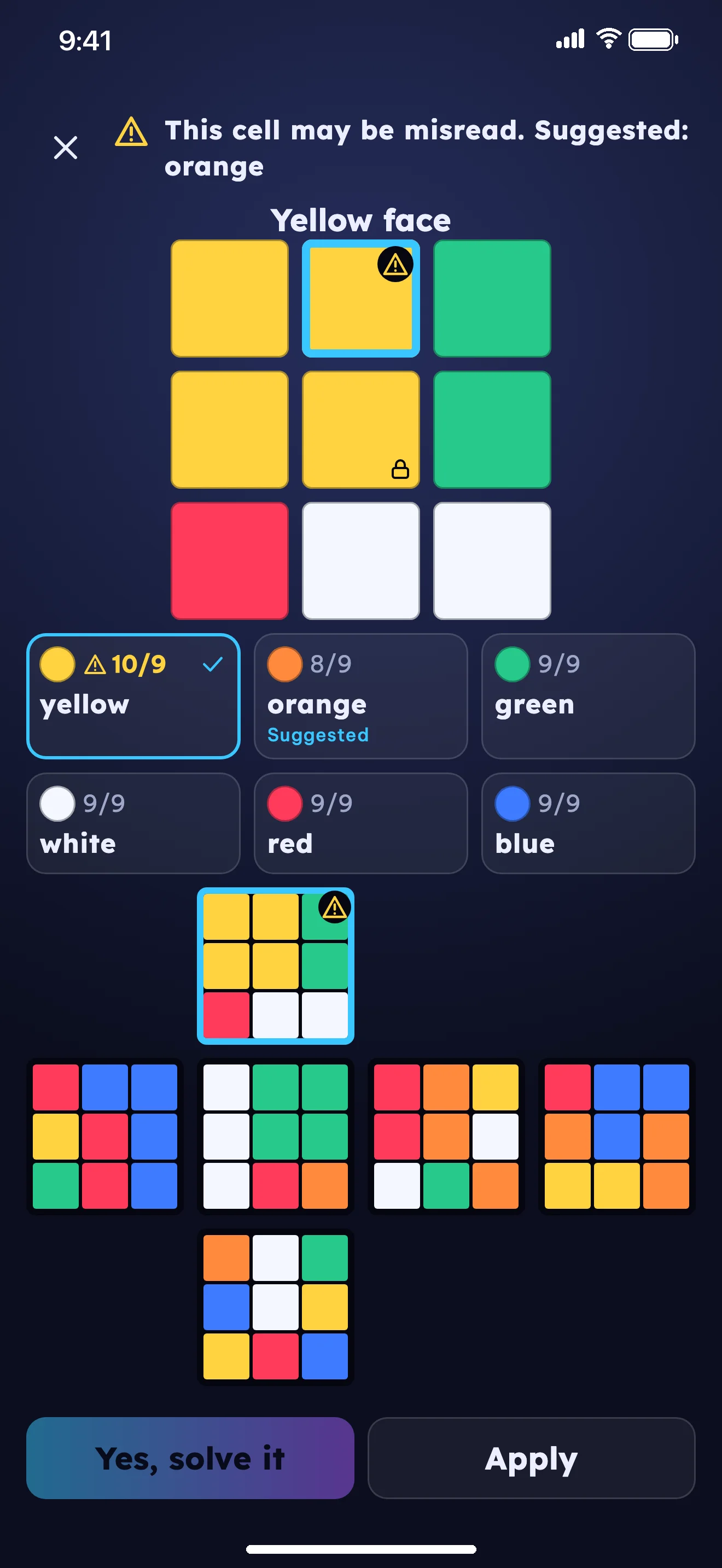
Detects invalid cube states and suggests suspect stickers for quick tap-to-fix.
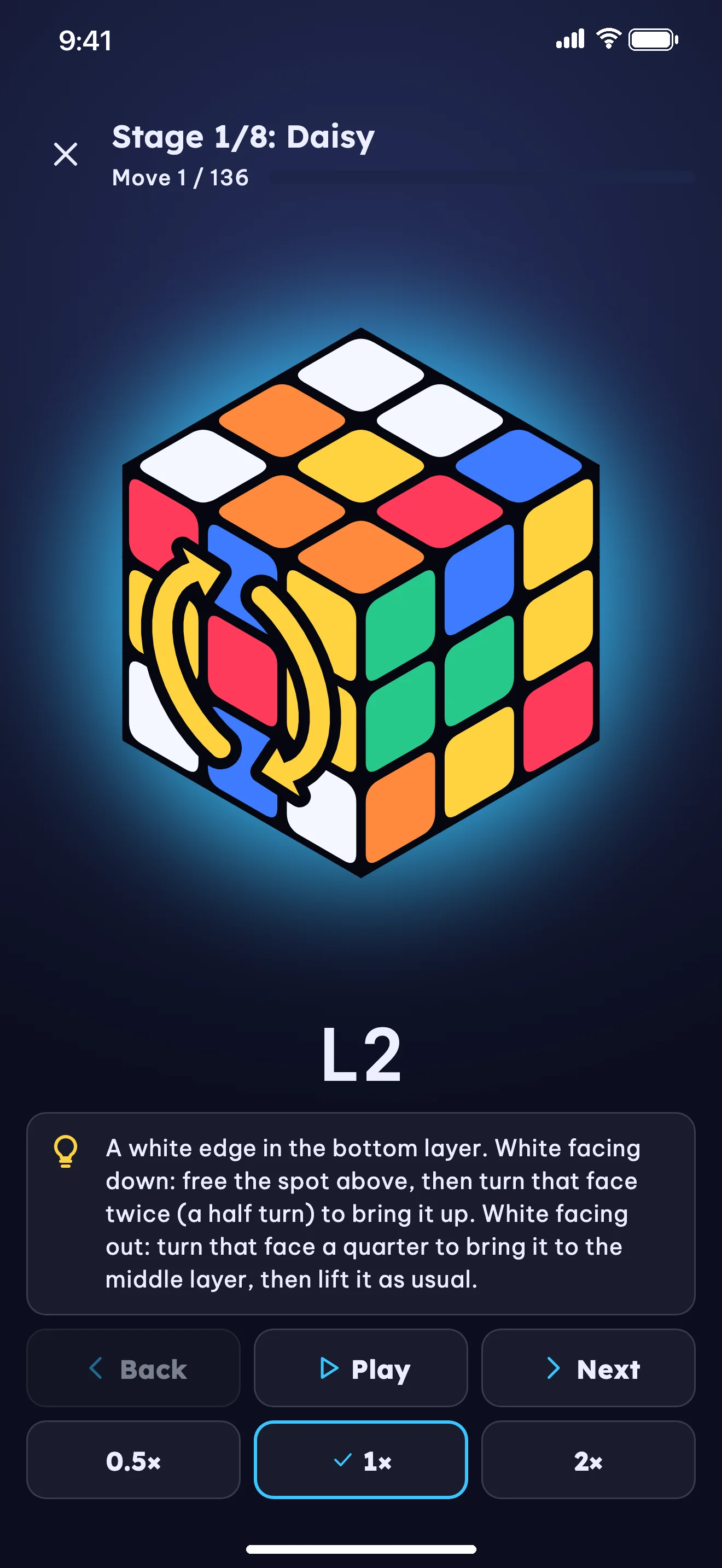
Learn-by-Stage mode walks through each stage with tips, or pick Quick Solve for a shorter path.
Warm playful Style A with the Purple Cube mascot, stars, and gated parent area.
Learn and Solve on Your Device. Online AI Tips Are Opt-In.
Cubewit is built to collect as little data as possible while keeping young learners safe.
Offline Learning, Practice & Solving
The 3D cube, 8-stage lessons, daily challenges, camera color recognition, both solve modes, and prepacked tips all work without internet.
Camera Images Stay on Your Device
The camera is used only to read the 9 sticker colors of each face on the device — images are never stored or sent. You can always enter colors by hand instead.
Parent Area & No Server Calls Under 15
For the 6–9 and 10–14 groups, the app makes no server calls. The parent area and links out of the app sit behind a multiplication question meant for adults.
Moves Computed by Algorithms — AI Only Writes Words
Moves and solutions are always computed and checked by the app's algorithms. Users in the 15+ group can opt into online AI tips for written explanations and turn them off anytime.
No Account, No Ads, No In-App Purchases
No sign-in required, no ads interrupting learning, no in-app purchases, and no third-party analytics or tracking SDKs.
Vietnamese & English Matched to Age
All lessons, exercise prompts, 3-level hints, and solve tips are available in both Vietnamese and English, written for each age group.
Join Cubewit Early Access or Contact Support
Cubewit is currently in early access testing via TestFlight (iPhone & iPad) and Android beta ahead of public store release. Email us below to request a free test invite or get support.